CutWize vs OptiCutter: Which Cutting Optimiser Is Right for You?
Choosing the right optimization software can help your workshop make better use of material and simplify the cutting workflow. Both CutWize and OptiCutter are online cutting optimizers with sheet and linear cutting capabilities, plus roll-material support. The biggest differences are in the surrounding workflow, offcut handling, job management and workshop features. Here is a practical comparison for 2026.
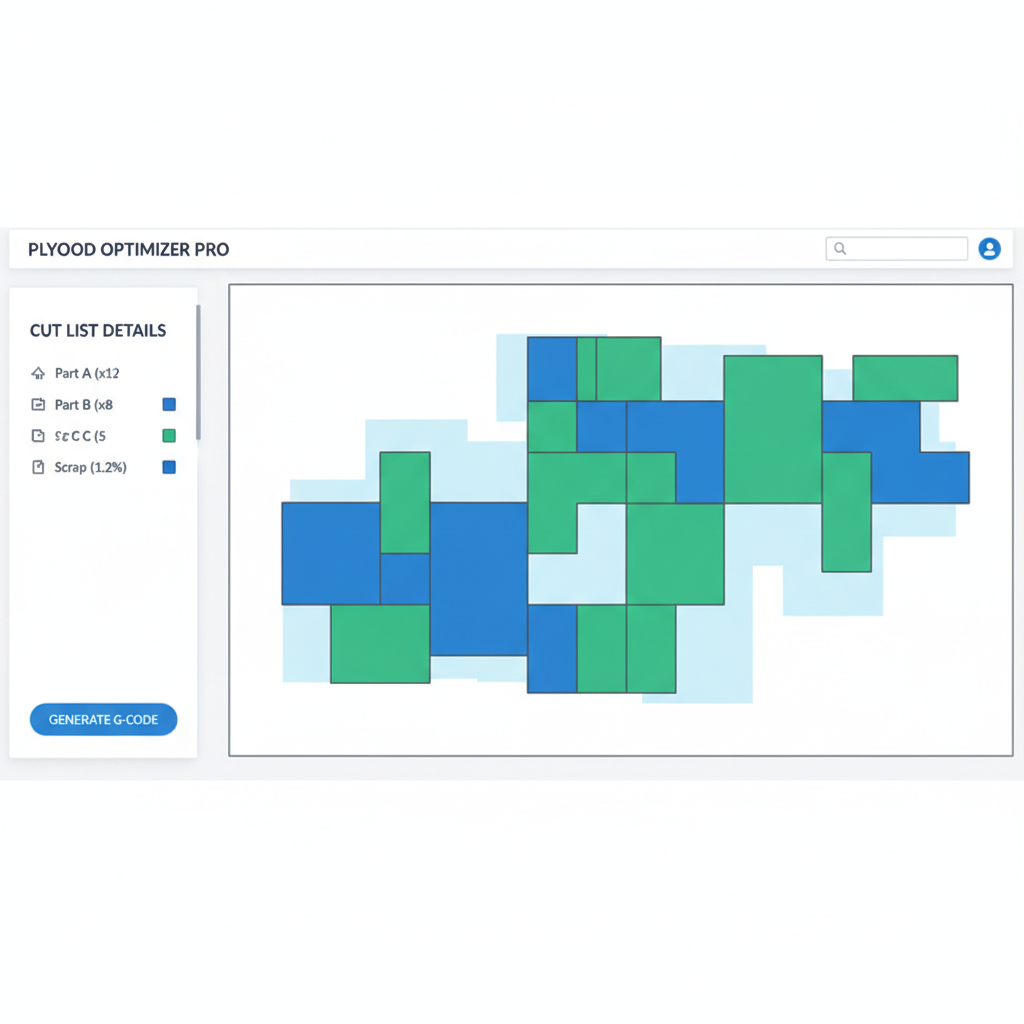
The Changing Landscape of Cutting Optimization
In the fast-paced environment of modern manufacturing, cabinetry, and fabrication, minimizing material waste is no longer optional—it is a critical requirement for maintaining profitability. Whether you are cutting expensive hardwood plywood, aluminum extrusions, or large rolls of technical fabrics, the way you generate your cut lists directly impacts your bottom line.
Cutting software has evolved from standalone planning tools into online workflows that can be used wherever the job is being prepared or completed. For a workshop, that can mean preparing a cut list in the office and then keeping the job accessible on the shop floor, with progress and material information available in the same workflow.
This brings us to the core comparison: CutWize, a cloud-first platform designed around sheets, rolls and lengths with an integrated job and workshop workflow, versus OptiCutter, an established online optimizer covering sheet, roll and linear cutting with a strong focus on the optimization plan itself.
Feature Comparison at a Glance
A direct look at how the core capabilities stack up between the two platforms.
| Feature | CutWize | OptiCutter |
|---|---|---|
| Sheet Optimization (2D) | Yes | Yes |
| Roll Optimization (Fabric/Vinyl) | Yes | Yes |
| Linear / Length Optimization (1D) | Yes | Yes |
| Cloud-Based (Any Device) | Native Cloud | Yes (Online) |
| Real-Time Cut Tracking on Shop Floor | Interactive Tracker | Not a core comparison point |
| Offcut & Inventory Management | Automated | Optimization-focused |
| PDF & CSV Export | Yes | Yes |
| Team Collaboration & Sync | Yes | Not documented as a core feature |
| Edge Banding Support | Yes | Yes |
| Grain Direction Control | Yes | Yes |
* Note: Feature sets can change rapidly. This comparison is based on data available as of early 2026.
Sample Workflow Comparison
Let's walk through a real-world scenario to see how the day-to-day experience differs between the two platforms. The Scenario: You need to generate a cut list for a large cabinet job requiring 12 distinct panels to be cut from 3 sheets of 2400x1200mm plywood, taking grain direction and blade kerf into account.
The CutWize Workflow
The OptiCutter Workflow
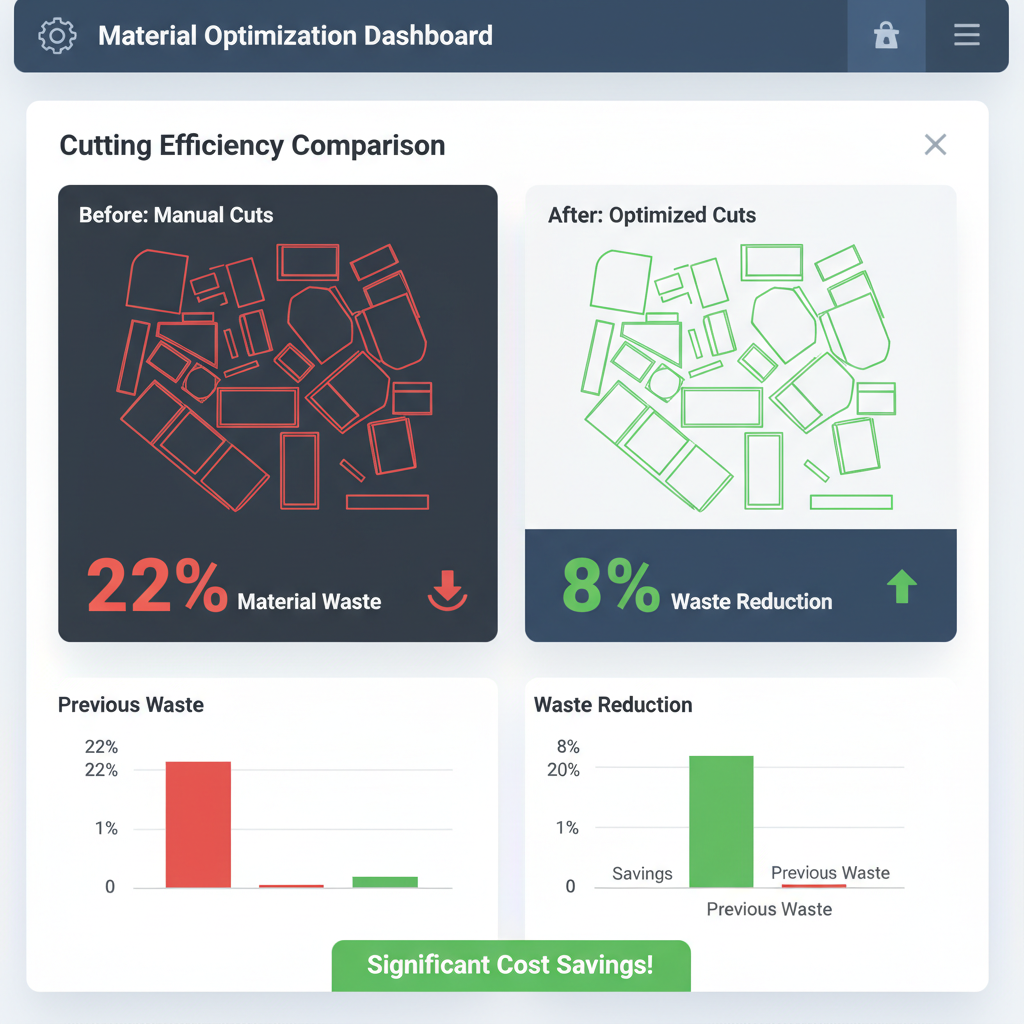
Visualizing material waste reduction through smart algorithm packing.
Factory Floor Ready: Built for Touchscreens, Not Just Desktops
When you're dealing with dust, gloves, and fast-paced cutting, the software needs to act like a dedicated kiosk app, not an office desktop application.
"When you're standing at a 6m cutting table, dusty environment, gloves on, workers walking around — the software has to feel like a kiosk app, not office software. That's where CutWize wins."
| Touchscreen & Kiosk Features | CutWize | OptiCutter |
|---|---|---|
| Designed for tablets | Yes (Native touch UI) | Mostly desktop-first |
| Large touch targets/buttons | Better (Glove-friendly) | Smaller traditional UI |
| Works well on iPad/Android | Yes | Usable but clunky |
| Live cut tracking by tapping parts | Yes | Limited |
| Cloud sync between office & factory | Excellent (Real-time) | Basic |
| Multi-user workshop workflow | Built for it | More single-user |
| Mount beside saw/cutting table | Very suitable | Functional but older feel |
| Fast job edits from the floor | Excellent | Slower workflow |
💡 Recommended Industrial Setup
For the ultimate shop floor experience, we recommend pairing CutWize with:
- Hardware: 24-32" industrial touchscreen monitor
- Compute: Windows mini PC mounted behind the screen
- Mounting: Articulating arm mount beside the cutting table or saw
- Software: CutWize running in fullscreen browser mode (Kiosk mode)
Benefits: Giant touch targets (easy with gloves), no tablet battery problems, easier dimension entry with on-screen keyboard, and much better visibility from a distance.
Pricing Comparison
Both platforms use subscription-based online software. Pricing and plan limits can change, so the figures below are intended as a simple snapshot rather than a permanent price comparison.
| Tier | CutWize | OptiCutter |
|---|---|---|
| Free / Starter | Free forever (Generous basic usage) | Free plan with usage limits |
| Hobbyist / Pro-sumer | ~$7/month (DIY Plan) | Standard plan available; see current provider pricing |
| Professional Workshop | ~$29/month (Pro Plan with full features) | Professional plan available; see current provider pricing |
| Pro | ~$29/month (Unlimited everything, teams & stocktake) | Enterprise API plan available |
CutWize’s pricing is completely transparent, scaling smoothly from hobbyists making weekend projects up to large commercial enterprises needing tablet tracking across multiple workstations. You don't pay for "modules"; you just pick the tier that matches your volume and team size.
Deep Dive: Where Each Software Excels
Where CutWize Stands Out
CutWize brings 2D sheets, 1D linear lengths and roll cutting together in one unified browser-based workflow, alongside job tracking and offcut management.
CutWize is built as a unified platform for workshops that want everything in the cloud, highly visual, and accessible on any device. If you are looking for advanced cut list software that bridges the office and the shop floor, CutWize provides that workflow in the browser.
- Built for Touchscreens: Large, glove-friendly buttons and a kiosk-like interface make it the perfect software to run on a tablet or mounted industrial touchscreen right at the saw.
- Lengths, Sheets & Rolls: CutWize combines plywood and other sheet materials, linear lengths, and roll cutting in one application. OptiCutter also supports sheet, roll and linear optimization, so the distinction is the surrounding workflow rather than basic material coverage.
- Interactive Workshop Tracking: Operators can use CutWize on a tablet beside the saw and mark cuts as they are completed, keeping job progress in the same workflow.
- True Team Sync: Because it is cloud-native, a designer in the office can update a cut list, and the operator on the floor sees the changes instantly without reprinting PDFs.
- Automatic Offcut Management: CutWize knows what's left over. Usable remnants are automatically logged into your digital inventory, ensuring you check offcuts before ordering new stock for the next job.
- Modern User Interface: CutWize is designed as a browser-based workshop application with a touch-friendly interface and a focus on keeping the planning and execution workflow together.
Where OptiCutter Stands Out
OptiCutter is a strong choice for users who want a mature online cutting optimizer with sheet, roll and linear calculators, imports, reporting and API access.
- Established Track Record: Having been in the market longer, OptiCutter has a large existing user base and a wealth of historical data backing its algorithms.
- Online Workflow: OptiCutter runs online and is designed to work across devices without a local installation.
- Advanced Optimization Options: OptiCutter documents features including grain direction, material groups, prioritization, edge banding, prices, trim settings and angle/miter cuts.
- API Access: OptiCutter also offers a REST API for customers who need to integrate its linear and panel solvers into other systems.
Who Should Pick Which?
Pick CutWize If...
- You cut more than just sheets (you also work with rolls of vinyl/fabric or lengths of timber/metal).
- You want to eliminate paper from your shop floor and use tablets or phones to track cutting progress.
- You want to mount a screen beside your saw and have operators interact directly with the cutting layout.
- You work with a team where the person planning the job is not the person operating the saw.
- You want to manage usable offcuts automatically and stop throwing away money in the scrap bin.
- You prefer a modern, intuitive interface that you can access from home, the office, or the workshop.
Pick OptiCutter If...
- You exclusively cut sheet materials and have no need for roll or linear optimization.
- Your workshop has zero internet access and you absolutely require an offline-first desktop application.
- You have a legacy workflow built around printing PDFs and handing them to operators.
- You need highly specific true-shape nesting for complex CNC routing of non-rectangular shapes.
Ready to Try the Modern Optimizer?
Plan your next job with CutWize and see how the optimizer handles your stock and required cuts. No credit card required to start.
Start with CutWize FreeExplore More Comparisons & Guides
Related Tools: Cut List Optimizer | Sheet Cutting Optimizer | Roll Cutting Optimizer
Comparisons: Best Software | Optimizer Alternatives | CutWize vs Cutlist Optimizer
More info: Free Calculator | Cutting Optimization Software