Deep Dive: Why Move from Desktop to Cloud?
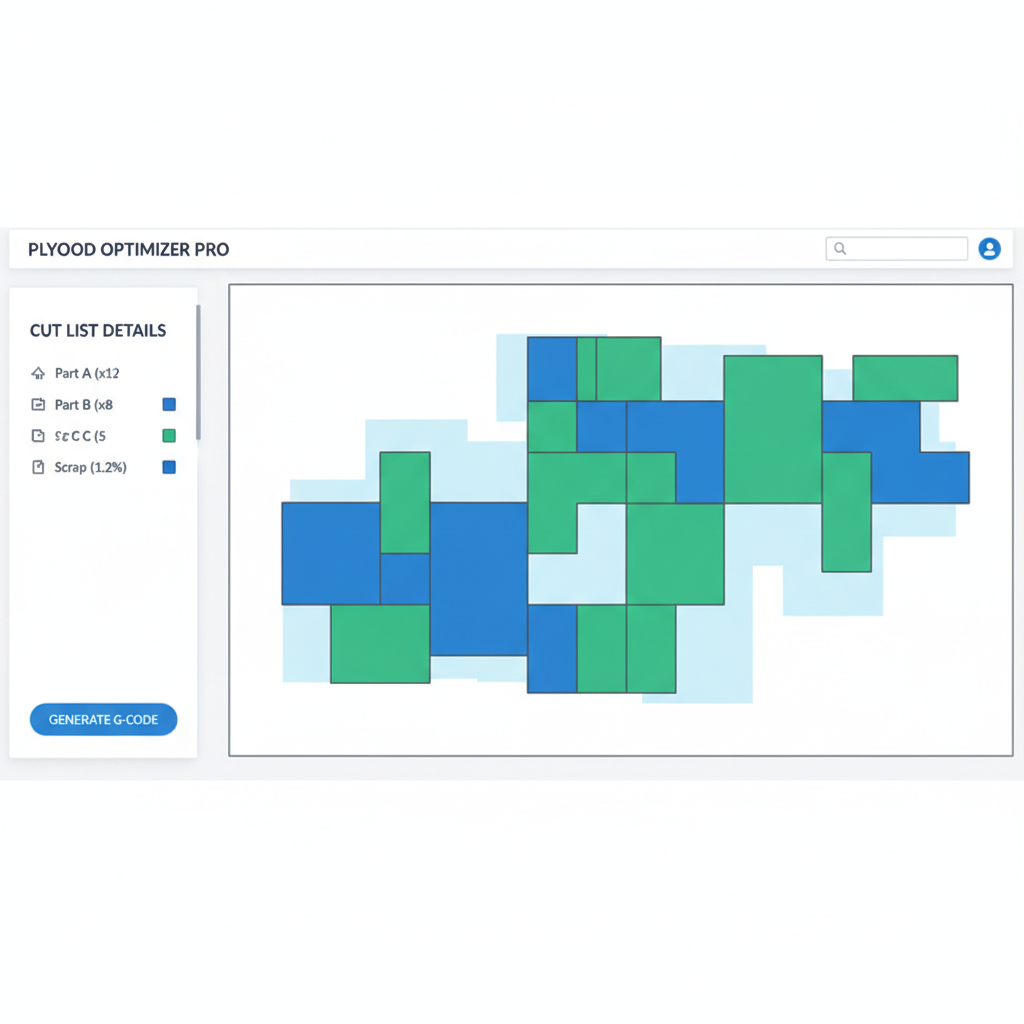
For decades, the standard procedure in manufacturing involved a planner running optimization software on an office desktop PC (like MaxCut), printing out a physical paper diagram, and walking it over to the factory floor. While functional, this workflow is fragile. If a customer changes a dimension at the last minute, or if a specific sheet of plywood is discovered to be damaged, the paper plans become obsolete. The planner must re-run the software and print new sheets, risking the operator cutting from the outdated version.
CutWize solves this by operating entirely in the cloud. As a cloud-native platform, updates to cut lists and available stock are synced instantly across all devices. An operator using a tablet at the panel saw sees the exact same real-time data as the office manager. This completely eliminates the "version control" problem inherent to desktop-only applications like MaxCut.
Pricing Comparison: Subscription vs Scalability
MaxCut typically operates on a premium subscription model, often ranging from $30 to $60 per month depending on the business tier. While this provides access to their desktop toolset, it can be a steep entry point for smaller operations, hobbyists, or businesses just beginning their digital transformation.
CutWize takes a different approach. We believe fundamental optimization should be accessible. CutWize offers a robust Free tier that allows workshops to experience the power of our advanced nesting algorithms without upfront financial commitment. When your workshop needs more advanced team collaboration, larger stock limits, or multiple cutting plan types, the CutWize DIY and Pro plans offer significantly more value and cross-platform flexibility at a highly competitive price point.
Handling Beyond Wood: Rolls and Extrusions
A critical limitation of traditional panel software is the singular focus on 2D sheet goods (like MDF, Plywood, or Melamine). MaxCut excels in this single domain. However, many modern fabricators work with mixed materials. A shop might cut 2D aluminum panels, 1D steel extrusions, and continuous rolls of vinyl.
Using MaxCut would require finding an entirely separate software package to handle the linear extrusions or rolls. CutWize is an all-in-one optimizer. With a simple toggle, you can switch between 2D Sheet mode, 1D Length mode, and our specialized Continuous Roll mode. This unified interface drastically reduces the learning curve for your staff and centralizes your inventory management into a single, cohesive system.